


DNS lookups, without the terminal
Nslookup is a native iPhone app for checking any domain or IP address: its records, its registration and its email setup.


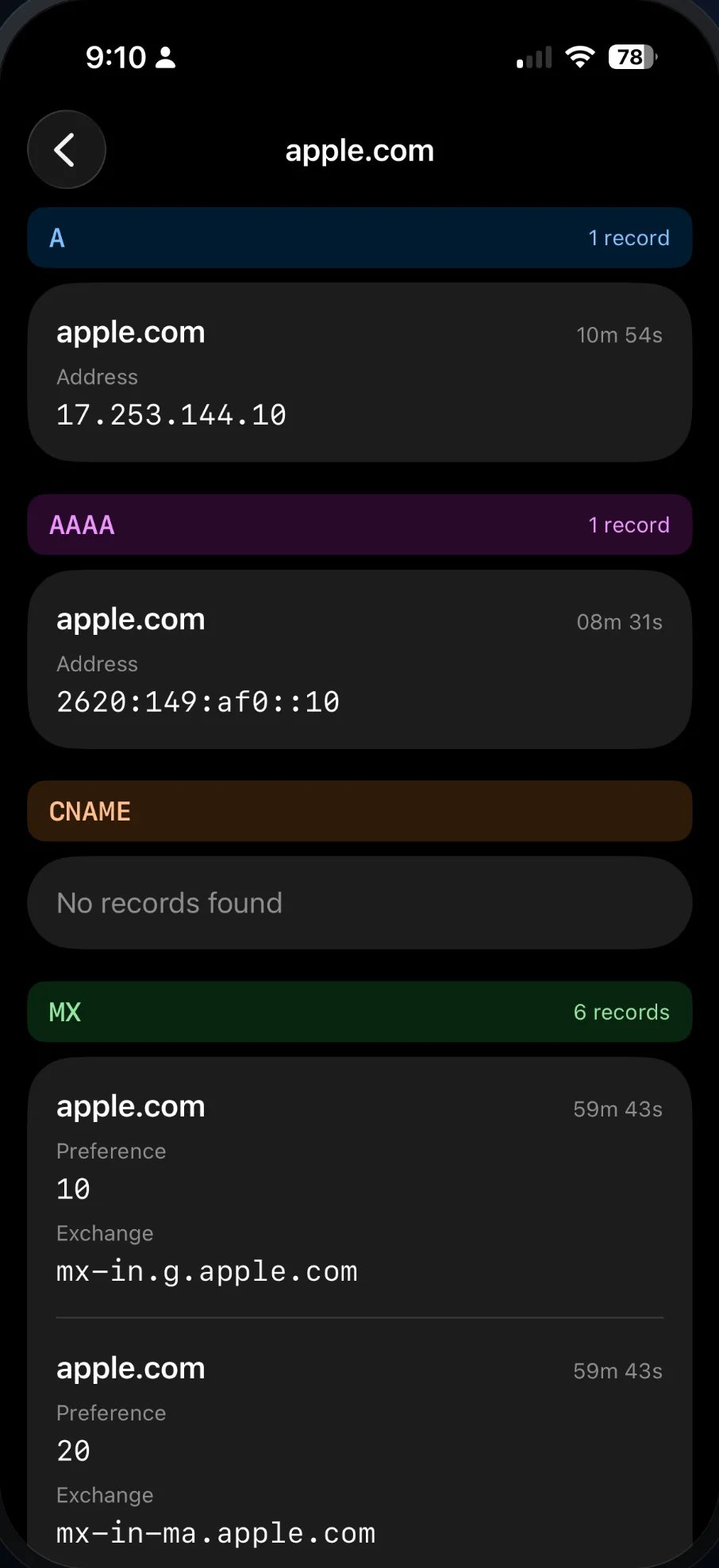
Eight record types, in plain view
Type a domain or an IP address and the answers come back grouped by type, whether you are pointing a domain at a new host or checking that a change has gone live.
- A The IPv4 address a domain points to
- AAAA The IPv6 address a domain points to
- CNAME The name a domain is an alias of
- MX The servers that receive its email
- TXT Verification tokens and email policies
- NS The nameservers that answer for it
- SOA Who runs the zone, and its timers
- PTR The host name an IP address points back to
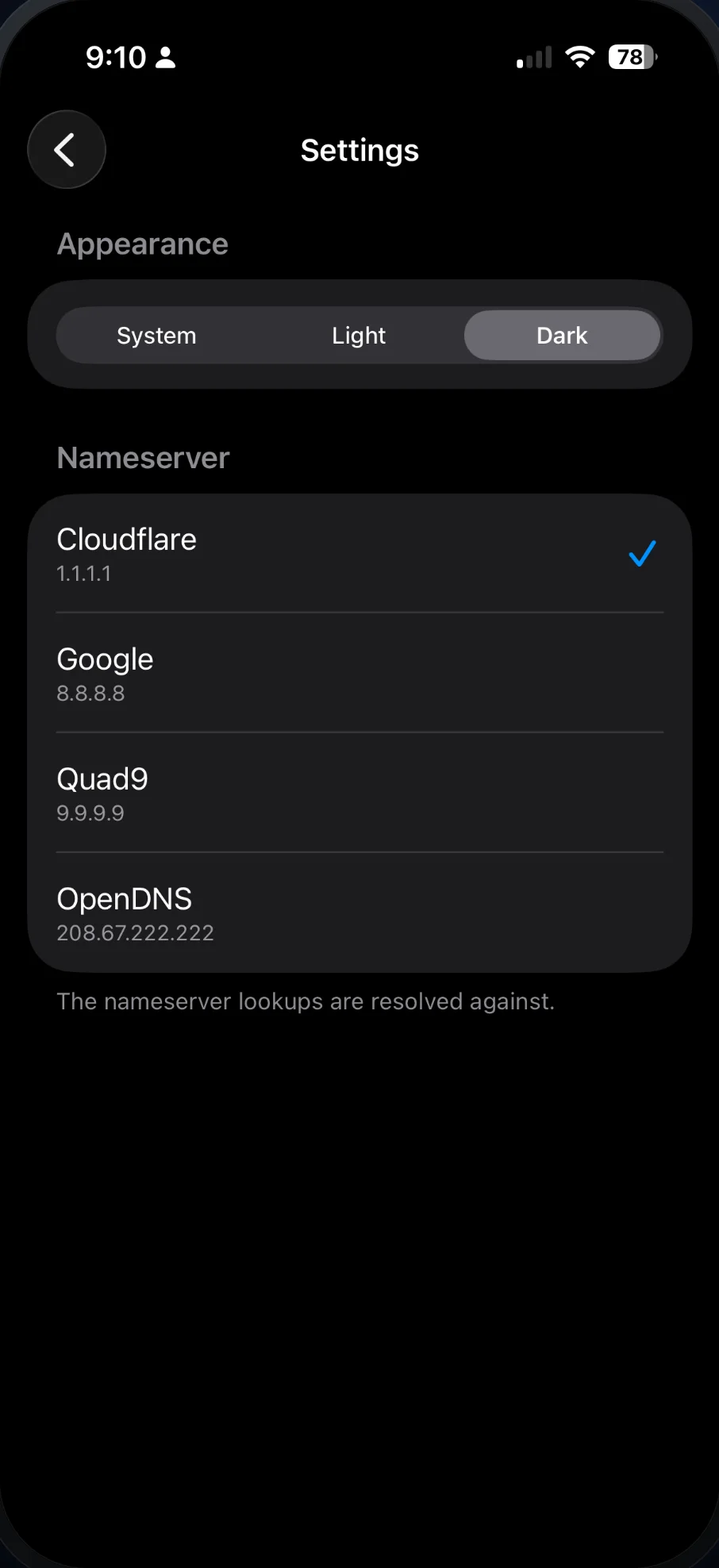
Ask the resolver you want
Send lookups through Cloudflare, Google, Quad9 or OpenDNS. When a change shows up on one and not another, you know it is still spreading.
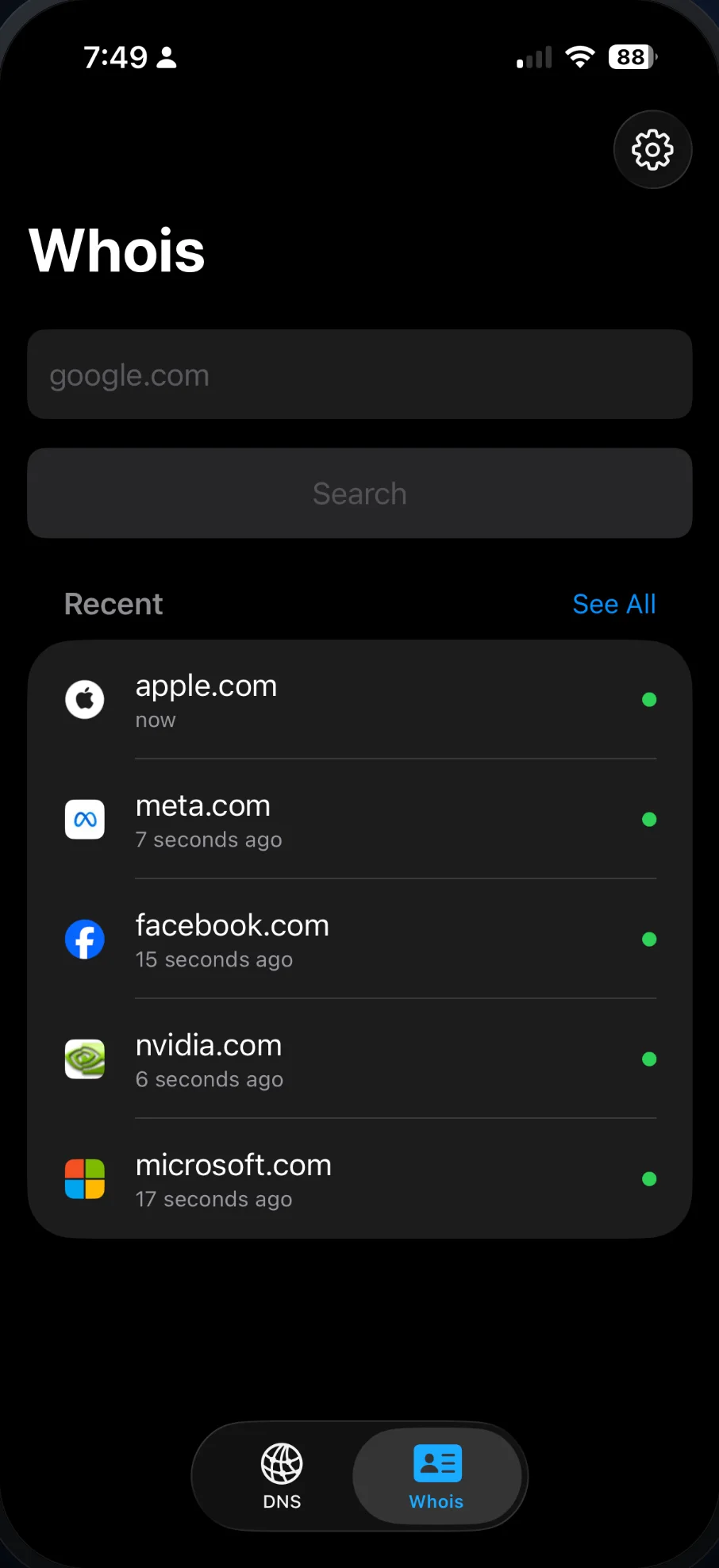
See who holds a domain
WHOIS is built in. Look up a domain's registrar, its dates and its ownership details without leaving the app.
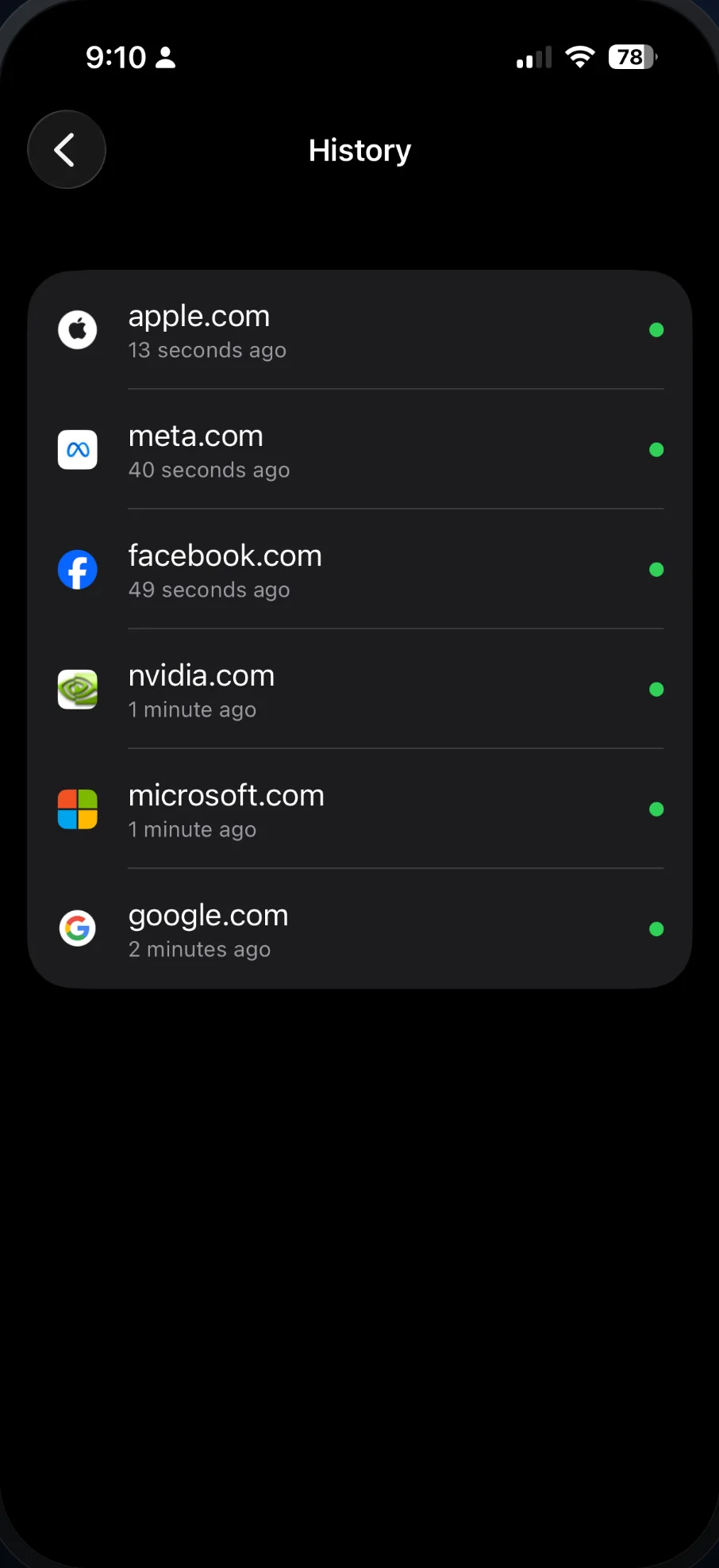
Pick up where you left off
The app keeps the domains and addresses you looked up, so you can jump back in without retyping them. That list stays on your device.
Check a domain's email setup
The Email tab checks SPF, DKIM and DMARC with a single tap. Every lookup comes back with findings, checks and tags.
- SPF
- See the full include tree: every host allowed to send on the domain's behalf.
- DKIM
- Enter a selector, or leave it blank and the app tries the common ones.
- DMARC
- Read the policy a domain publishes, with checks and findings on what it says.
- PDF reports
- Export any email lookup as a PDF, and rerun it from your history with a tap.
Free on the App Store
For developers and sysadmins setting up servers, anyone configuring email, IT teams troubleshooting DNS, and domain owners checking a registrar or host change.